Automattic / Automattic/node-canvas
canvas.node is not a valid Win32 application Azure
- Dominant language
- JavaScript
- Stars
- 10.7k
- Forks
- 1.2k
- Avg merge
- 4d 8h
- Merged PRs (30d)
- 1
Description
Hello, I am trying to build an Azure Function app which utilizes canvas. When I run the project and test it locally, everything works fine. After deploying the code to Azure, I have errors. The build and deployment pass without issues, but as soon as I trigger the function I get `canvas.node is not a valid Win32 application` error.
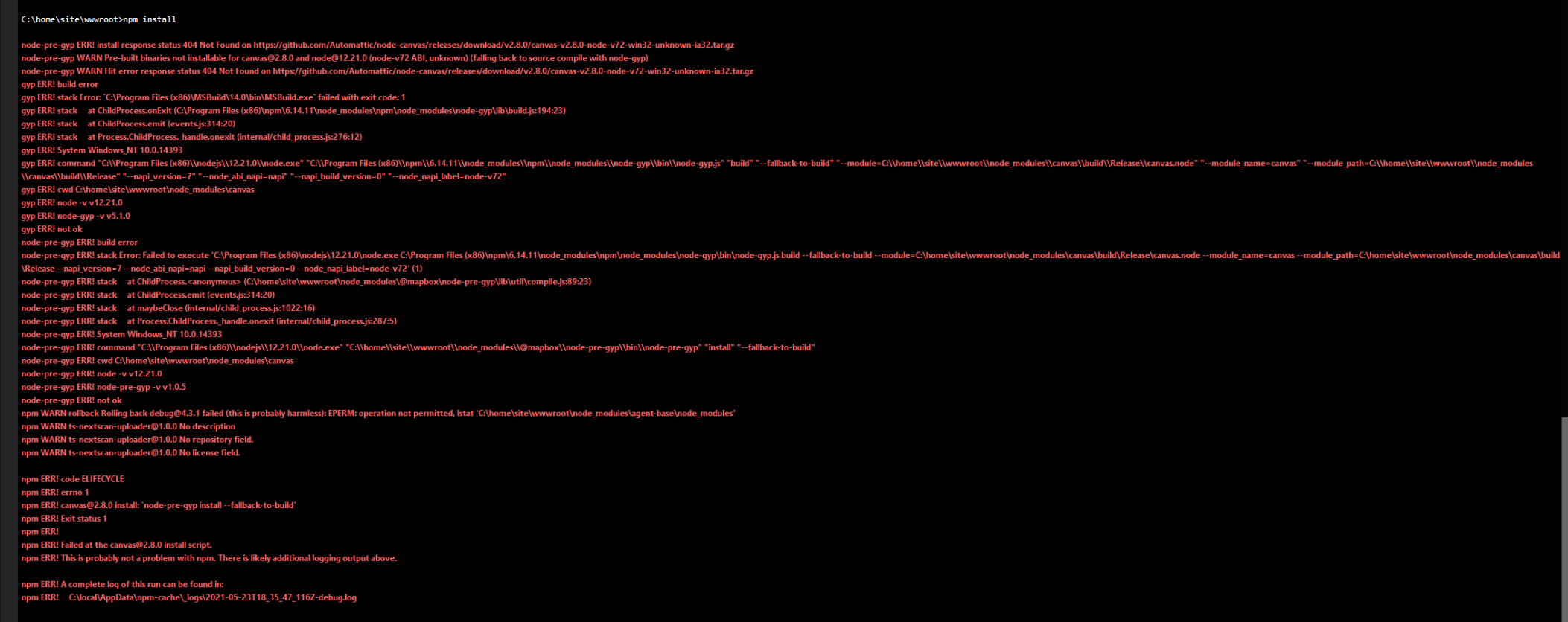
I tried removing node_modules and running npm install, that's when I got this error:
## Your Environment
"canvas": "^2.8.0",
Node 12
I saw from previous issues that this might have something to do with Win32 and 64 bit, but from what I know Azure uses 64 bit machines so I'm not sure if that affects it in any way.. Thanks.
Contributor guide
No contributing guide indexed for this repository
Assessment
This issue has not been assessed yet.