Automattic / Automattic/jetpack
Jetpack: add Download / Save options to Post QR Code
- Dominant language
- PHP
- Stars
- 1.8k
- Forks
- 898
- Avg merge
- 1d 18h
- Merged PRs (30d)
- 774
Description
### Quick summary
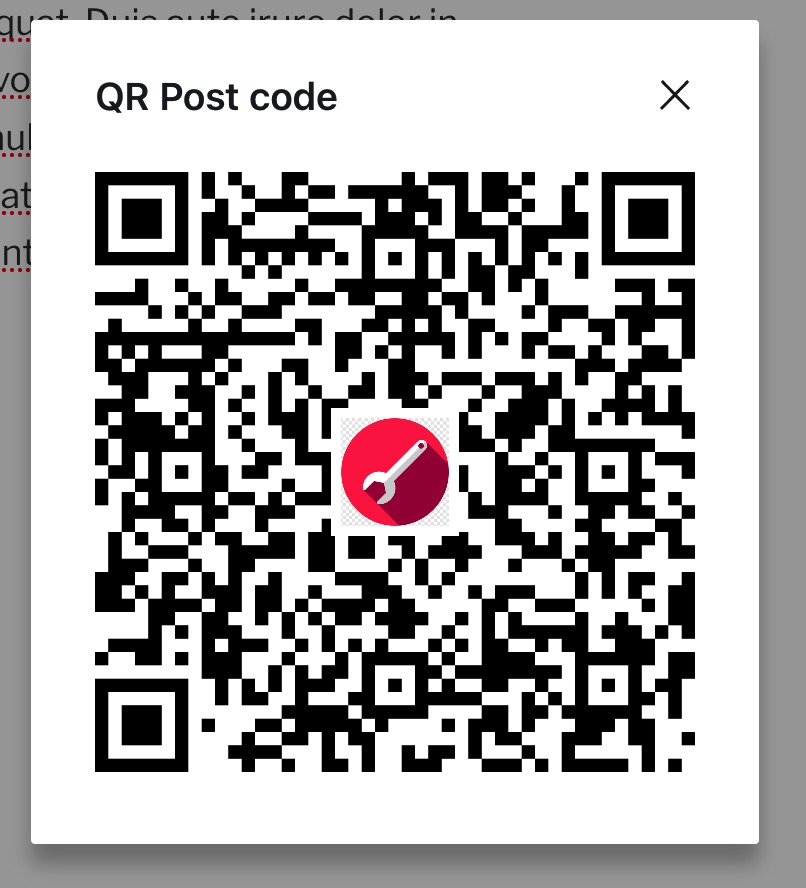
The QR Code that Jetpack creates for posts is missing the `Download` or `Close` buttons that are shown in the guide: https://jetpack.com/support/jetpack-blocks/qr-post/
That button was removed in https://github.com/Automattic/jetpack/pull/25929
### Steps to reproduce
1. Open an AT site using Jetpack v11.6-beta or a Simple site
2. Publish a Post
3. Under the QR Code module, select `Get QR Code`
### What you expected to happen
The QR code appears with a button to download it, like this:

### What actually happened
The QR code appears with no buttons beneath it
### Context
38376434-hc // follow up: 5756202-zd-woothemes
### Platform (Simple, Atomic, or both?)
Atomic, Simple
### Theme-specific issue?
_No response_
### Browser, operating system and other notes
User reported the issue in Safari and Chrome, I replicated in Firefox
### Reproducibility
Consistent
### Severity
Most (> 50%)
### Available workarounds?
Yes, easy to implement
### Workaround details
Right-clicking or CMD-clicking and downloading the QR code downloads a 600 x 600 PNG file, so fairly easy to workaround, but for some users, this won't be an apparent solution.
Contributor guide
Research direction
Start at the Post QR Code module and follow the Get QR Code flow on both Atomic and Simple sites, comparing it with the linked Jetpack guide and the removal in pull request 25929. Done means the generated QR code shows the expected Download and Close buttons, with the behavior verified in Safari, Chrome, and Firefox.
Written by the indexing model from the issue text.
Assessment
- Tech stack
- javascript, php, react
- Domain
- frontend, web-dev
- Issue type
- Bug
- Difficulty
- 3/5
- Estimated time
- 1-2 days
- Activity status
- Stale
- Clarity
- Mostly clear
- Newbie friendliness
- 45/100