Automattic / Automattic/jetpack
Feature Request: Only show Jetpack Safe Mode message on main Dashboard page instead of EVERY page
- Dominant language
- PHP
- Stars
- 1.8k
- Forks
- 898
- Avg merge
- 1d 18h
- Merged PRs (30d)
- 774
Description
### Impacted plugin
Jetpack
### What
Only display Safe Mode message on main Dashboard page
### How
I'm currently in the process of migrating a site for a client. Due to the limited backup supplied from the original developer, I've had to first re-create the site on my local dev server, rather than just directly moving the site across to the new host.
After recreating the site locally (with a "dev." url), and then logging into the site, Jetpack displays a **HUGE** "Safe Mode has been activated" notification. As well as being unnecessarily HUGE, it displays on every single dashboard screen!
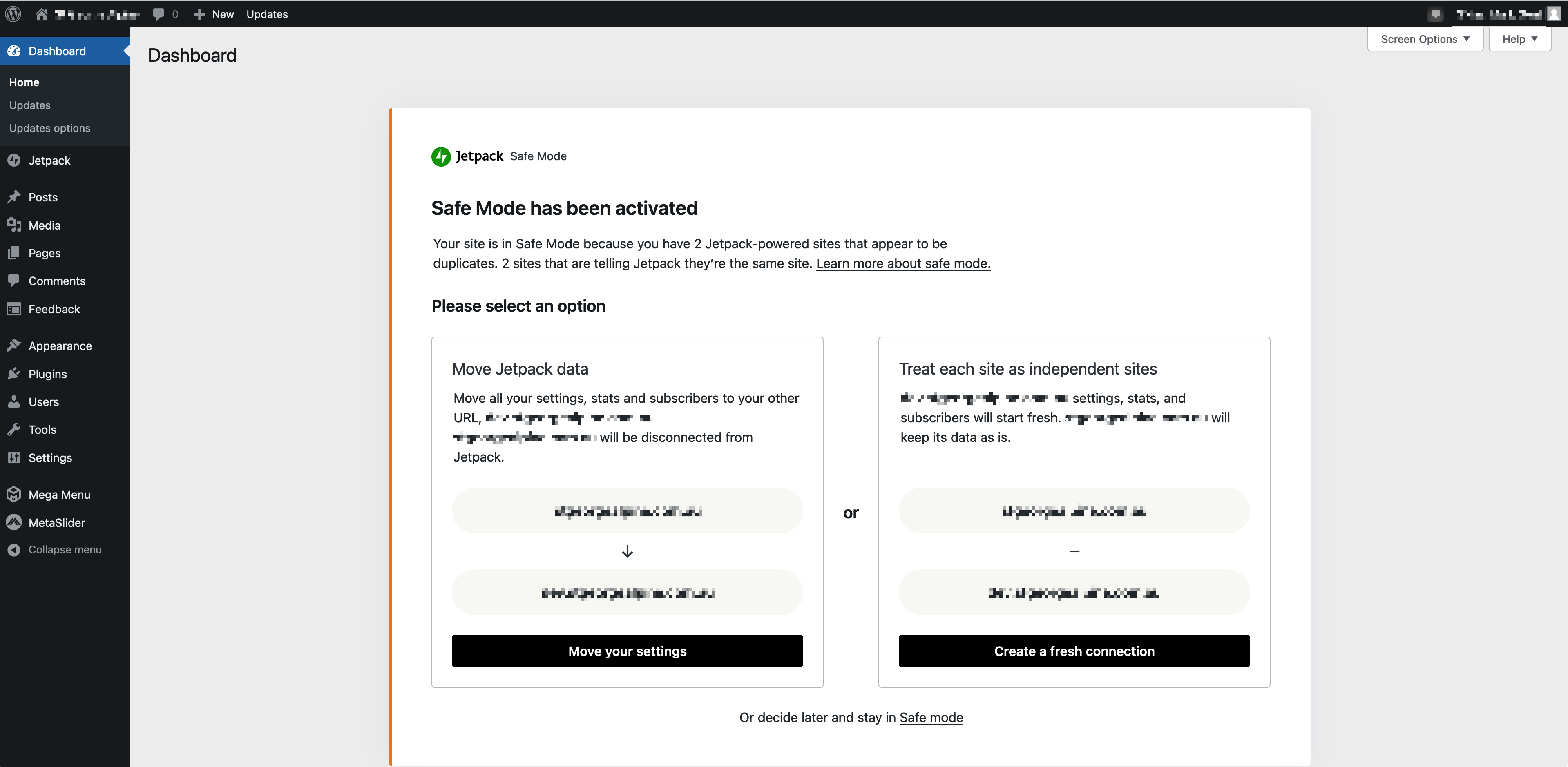
Can you please change this so that it only displays on the main wp-admin Dashboard screen, rather than on every single page in the dashboard. It's not necessary to display this message on every single screen.
Alternatively, if you do insist on displaying it on every page, can you please just show a small, standard WordPress notification that has a link to a separate Jetpack page with the full notification.
Having to scroll down a whole page on every single screen, just to get to that particular screens content, is incredibly frustrating.
Thanks.
Contributor guide
Research direction
No file or test is named in the issue. Start by locating the Jetpack code that renders the Safe Mode notification in the WordPress admin, then verify that it remains visible on the main Dashboard while no longer appearing on other admin screens.
Written by the indexing model from the issue text.
Assessment
- Tech stack
- php
- Domain
- frontend
- Issue type
- Feature
- Difficulty
- 3/5
- Estimated time
- 1-2 days
- Activity status
- Stale
- Clarity
- Mostly clear
- Newbie friendliness
- 35/100