Automattic / Automattic/jetpack
VideoPress > Video Block: cannot upload when on multisite
- Dominant language
- PHP
- Stars
- 1.8k
- Forks
- 898
- Avg merge
- 1d 18h
- Merged PRs (30d)
- 774
Description
#### Steps to reproduce
1. Start by setting up a Multisite Network, and create a new site on that network (note: you can use JN for this)
2. Connect that new site to WordPress.com, and purchase a VideoPress plan.
3. Go back to wp-admin > Jetpack > Settings > Performance, and ensure that VideoPress is enabled.
4. Go to Posts > Add New, and add a new Video Block
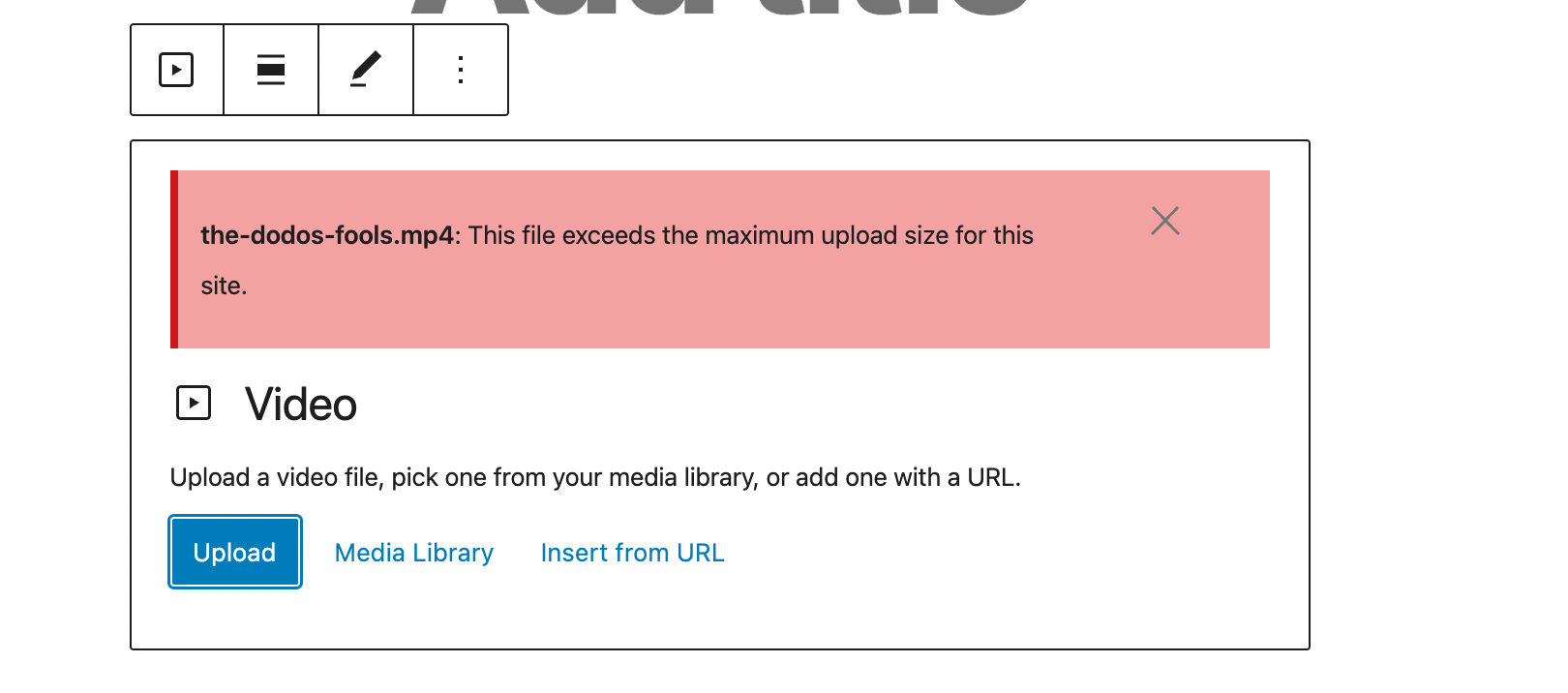
5. Attempt to upload a video
6. You'll get the following error message:
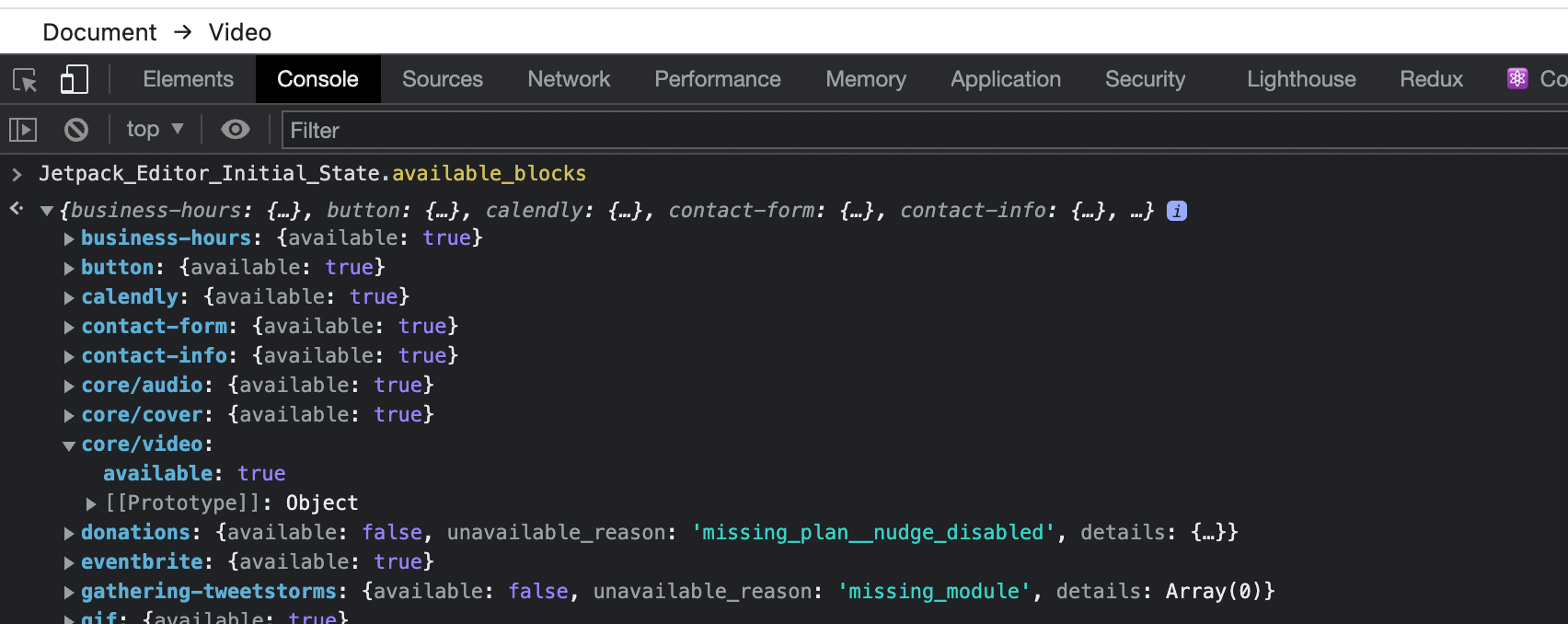
The video block from Jetpack is loaded though:
Attempting to upload the same video via Media > Library works, VideoPress is triggered properly there.
*********
Reported here: p8oabR-K9-p2#comment-5598
Contributor guide
Research direction
Reproduce the failure in wp-admin > Jetpack > Settings > Performance, then Posts > Add New with a Video Block on a WordPress multisite. Compare the Video Block upload path with Media > Library, where the same upload works; done means VideoPress uploads from the block on the connected multisite site.
Written by the indexing model from the issue text.
Assessment
- Tech stack
- php, react
- Domain
- backend, frontend
- Issue type
- Bug
- Difficulty
- 4/5
- Estimated time
- 3-5 days
- Activity status
- Stale
- Clarity
- Mostly clear
- Newbie friendliness
- 35/100