Automattic / Automattic/jetpack
VaultPress oAuth: use VaultPress+Jetpack icon
- Dominant language
- PHP
- Stars
- 1.8k
- Forks
- 898
- Avg merge
- 1d 18h
- Merged PRs (30d)
- 774
Description
When opening https://dashboard.vaultpress.com from a link in Calypso/Jetpack/wp-admin, users get to this oAuth screen which is scary enough in itself and confusing because they were just dealing with "Jetpack backups" and now they're in a different place with a different brand — did they just get hacked, they might think?
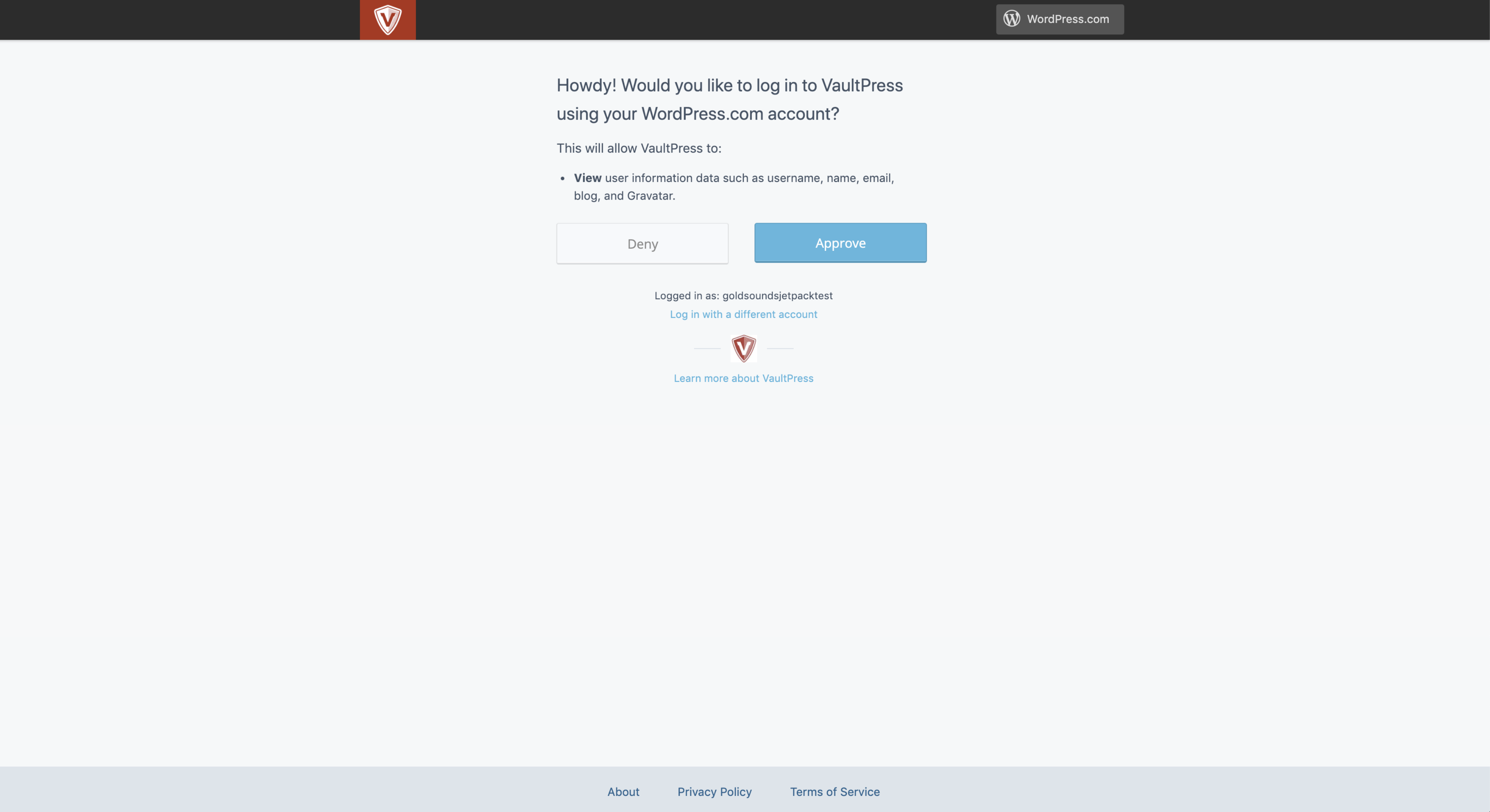
If there's no easy way to avoid that, we should at least make it more clear that this is related to Jetpack.
In Calypso's Plugins management section, we highlight VaultPress+Jetpack connection with different icon:
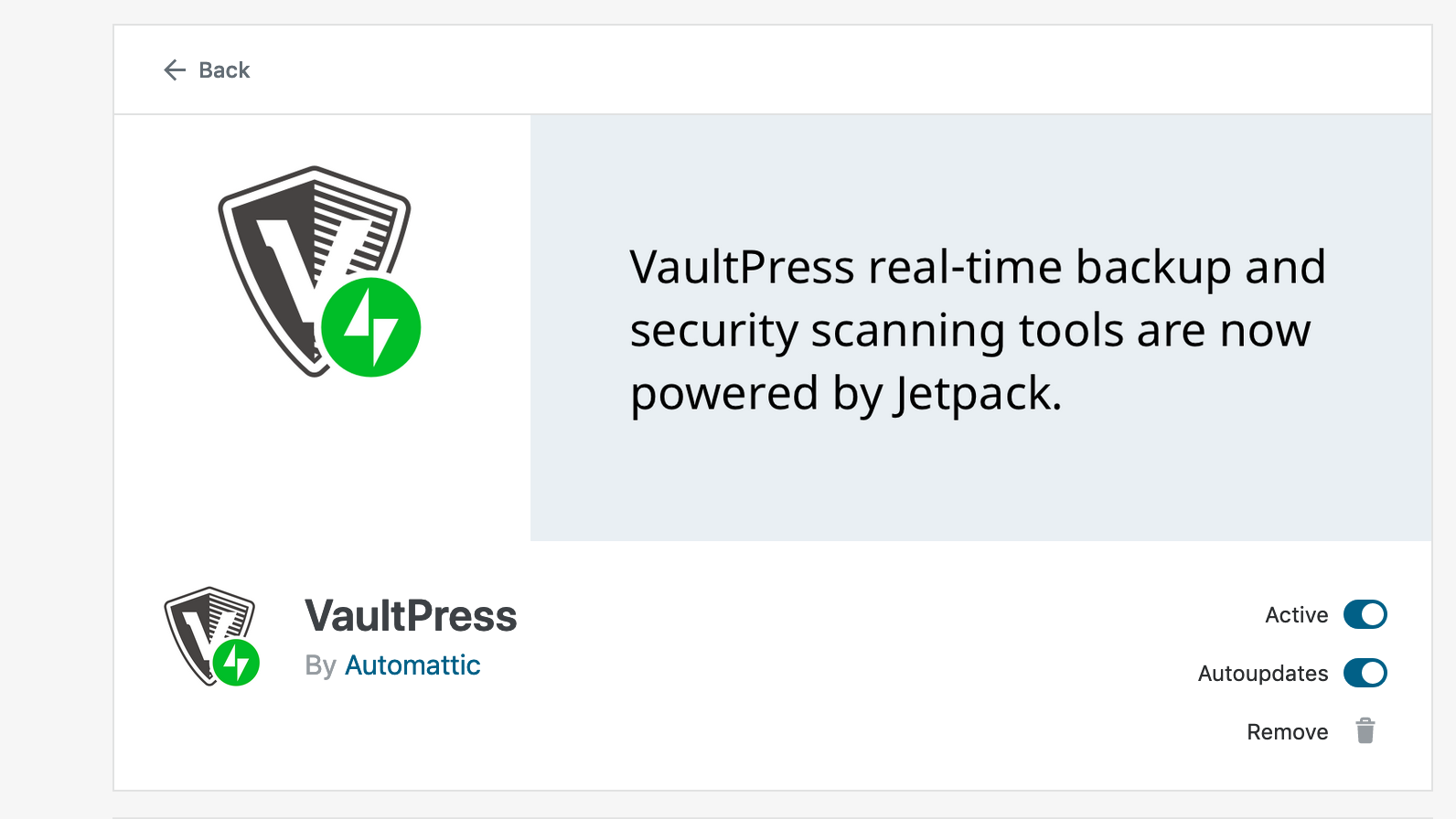
Could we switch the icon here, too?
Contributor guide
Research direction
Start by locating the VaultPress OAuth screen and the existing VaultPress+Jetpack icon used in Calypso's Plugins management section. Compare the two UI locations and confirm that the OAuth screen uses the same icon; the issue's screenshots provide the visual reference for what done looks like.
Written by the indexing model from the issue text.
Assessment
- Domain
- design, frontend
- Issue type
- Feature
- Difficulty
- 3/5
- Estimated time
- 1-2 days
- Activity status
- Stale
- Clarity
- Mostly clear
- Newbie friendliness
- 35/100