Automattic / Automattic/jetpack
Contact Info Block: Add Left/Center/Right Justification Settings to Block and Sub Blocks
- Dominant language
- PHP
- Stars
- 1.8k
- Forks
- 898
- Avg merge
- 1d 18h
- Merged PRs (30d)
- 774
Description
I was helping a user with an issue and I realized that there is no way to center justify the contact info either from the block settings as shown here:
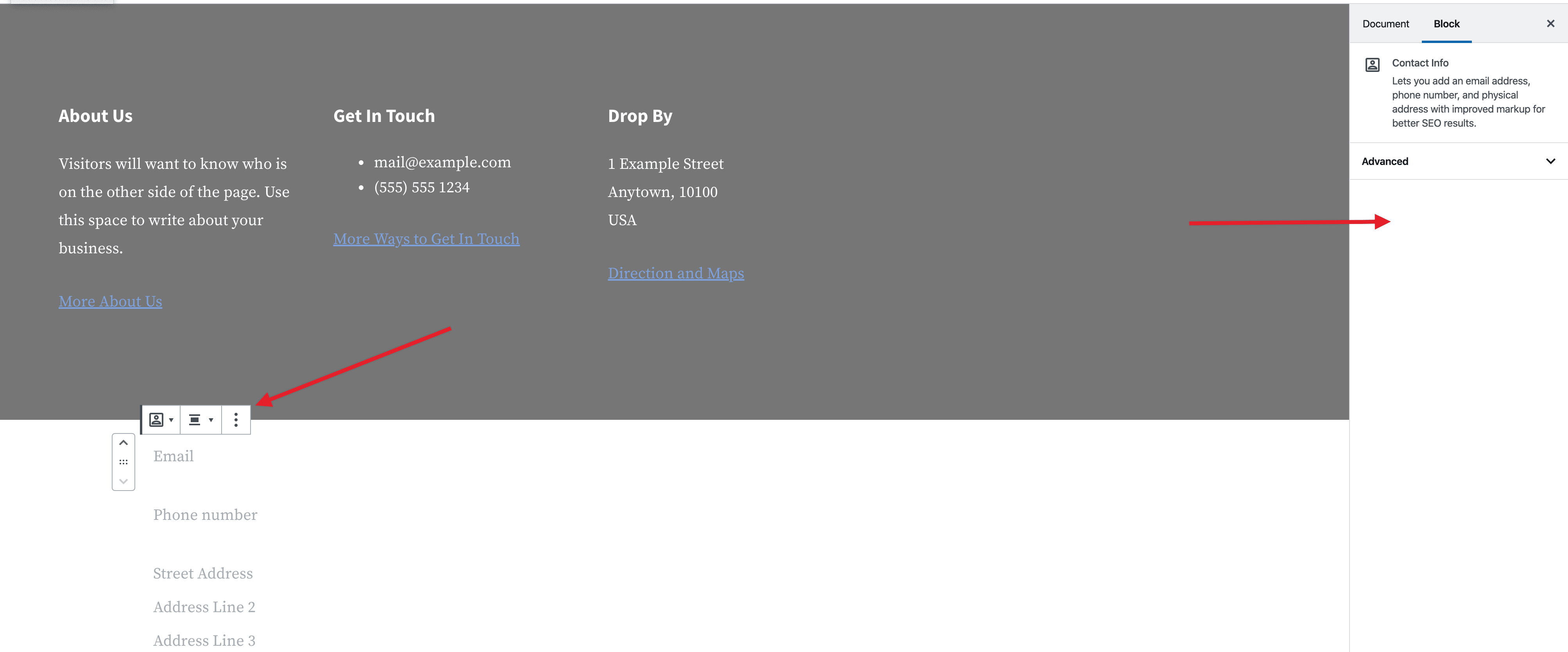
Nor from the individual blocks within the Contact Info block as shown here:
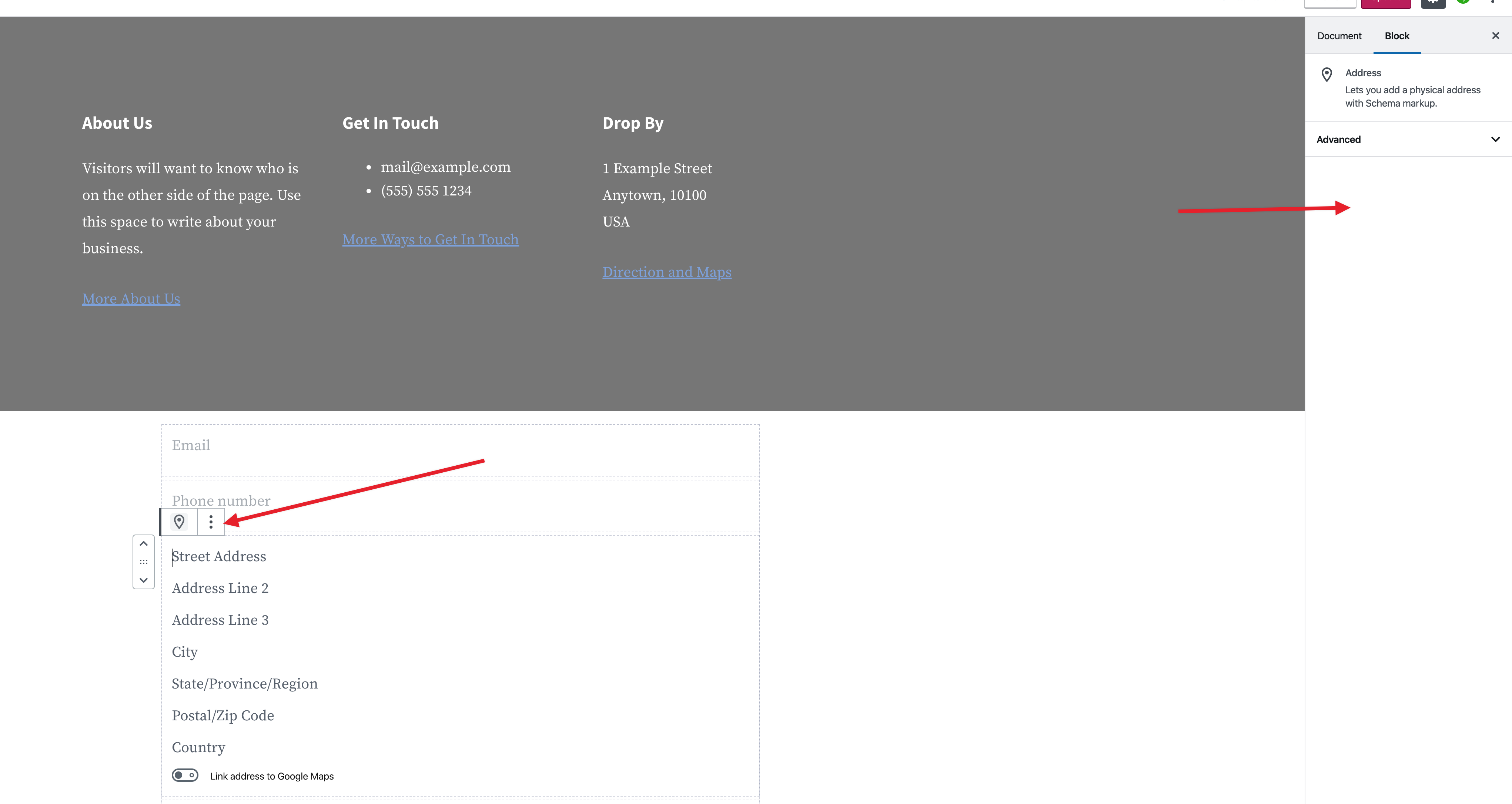
This means that in order to change the contact info justification, the user has to use custom CSS such as the following when it should be something they can do with the click of a button
```
.wp-block-jetpack-contact-info {
text-align: center;
}
```
If anyone else runs into instances where this would be useful to a user please add below.
16847433-hc
Contributor guide
Research direction
Locate the Jetpack Contact Info block implementation and the settings for the block and its sub-blocks. Start by tracing how the current text alignment is styled, then check the related block tests or editor coverage. Done means users can choose left, center, or right justification from both the parent block and its individual sub-blocks without custom CSS.
Written by the indexing model from the issue text.
Assessment
- Tech stack
- javascript, react, wordpress
- Domain
- frontend, web-dev
- Issue type
- Feature
- Difficulty
- 3/5
- Estimated time
- 1-2 days
- Activity status
- Stale
- Clarity
- Mostly clear
- Newbie friendliness
- 35/100