Automattic / Automattic/jetpack
Contact info block: hide empty space in preview
- Dominant language
- PHP
- Stars
- 1.8k
- Forks
- 898
- Avg merge
- 1d 18h
- Merged PRs (30d)
- 774
Description
When adding contact info block in the editor and filling only some of the fields, preview (i.e. when block is unselected) still shows empty lines for the block.
One of the unfilled blocks (phone number) also remains visible when block was unselected.
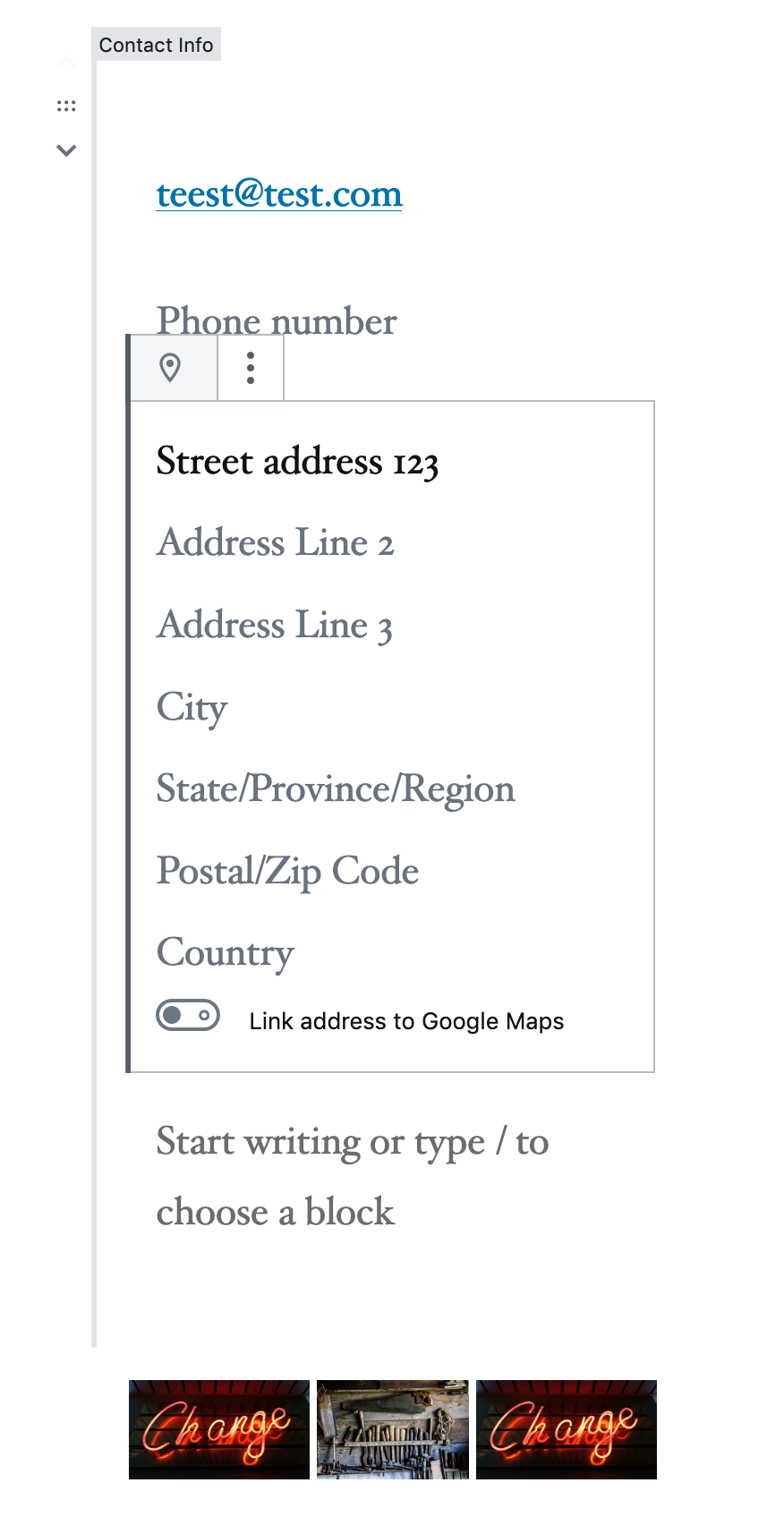
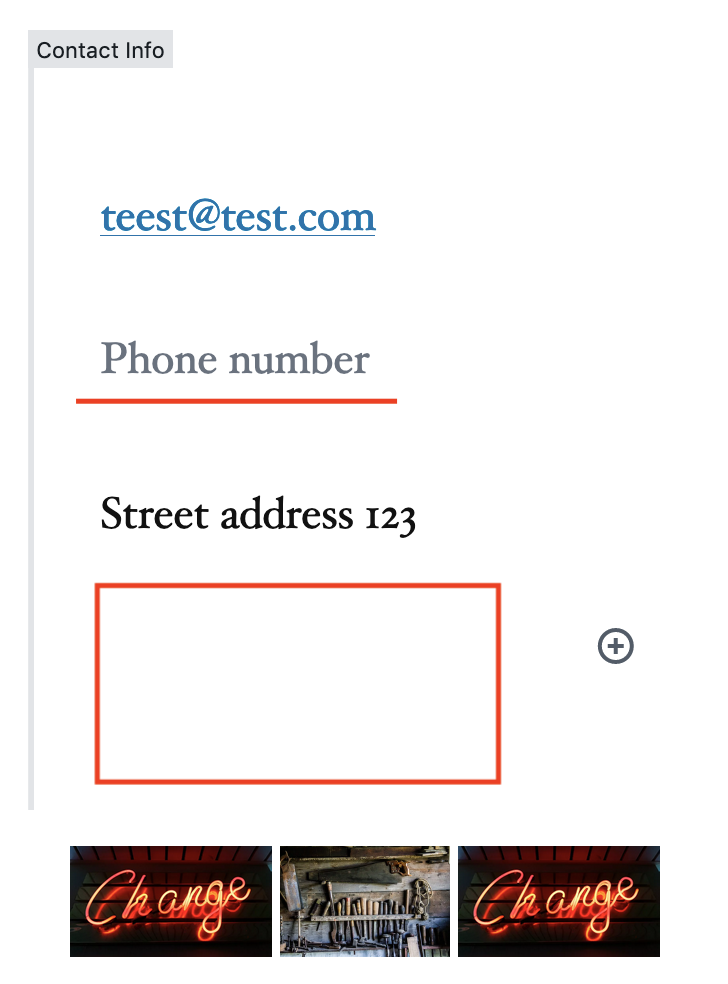
I expected unselected view look more like it does at the site:
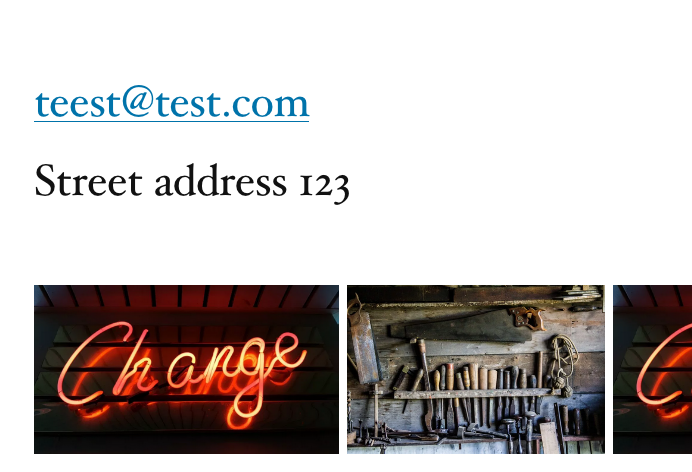
Using Gutenberg v5.3 (same as WordPress v5.2) and Firefox.
Contributor guide
Research direction
Reproduce the contact info block in the editor with only some fields filled, then switch to its unselected preview in Gutenberg v5.3 using Firefox. Check the preview behavior against the screenshots and the expected site appearance; done means empty lines and the unfilled phone number no longer appear.
Written by the indexing model from the issue text.
Assessment
- Tech stack
- javascript, php, react
- Domain
- frontend
- Issue type
- Bug
- Difficulty
- 3/5
- Estimated time
- 1-2 days
- Activity status
- Stale
- Clarity
- Mostly clear
- Newbie friendliness
- 45/100