Automattic / Automattic/WP-Job-Manager
job_summary does not display correctly
- Dominant language
- PHP
- Stars
- 899
- Forks
- 369
- Avg merge
- 11h 37m
- Merged PRs (30d)
- 12
Description
**To Reproduce**
Steps to reproduce the behavior:
1. Switch theme to TwentyTwenty
2. Create a page containing the shortcode `[job_summary id=XX]`
3. View created page
4. It looks like this:
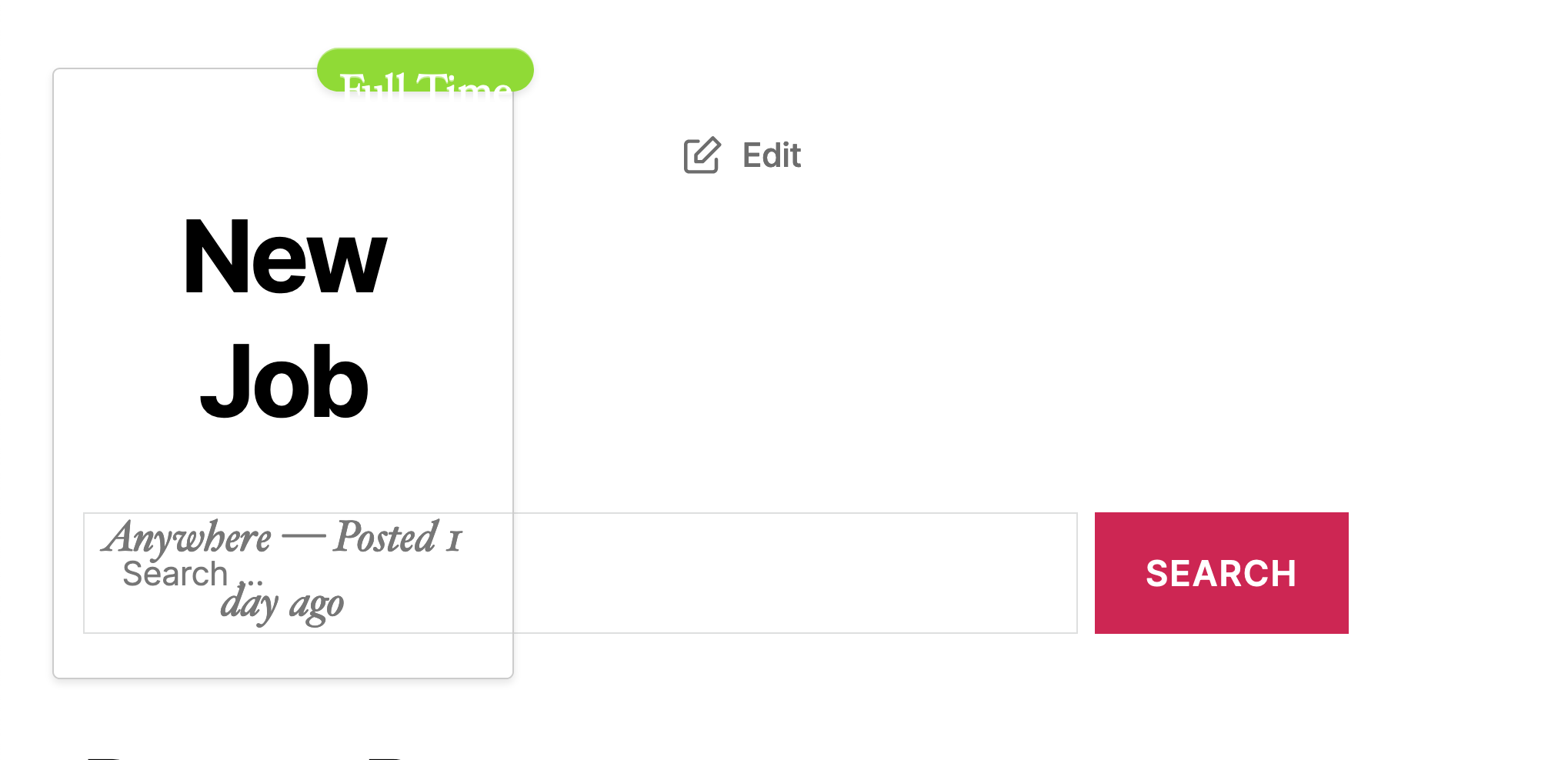
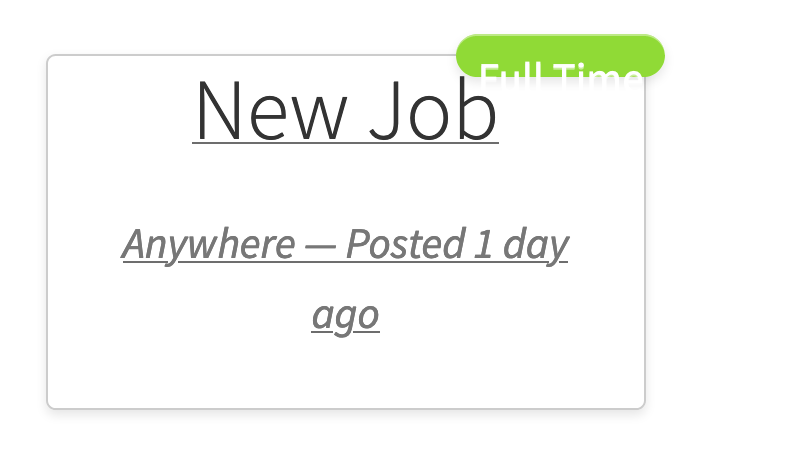
It looks like this in Storefront:
Adding a company logo results in the following for TwentyTwenty:
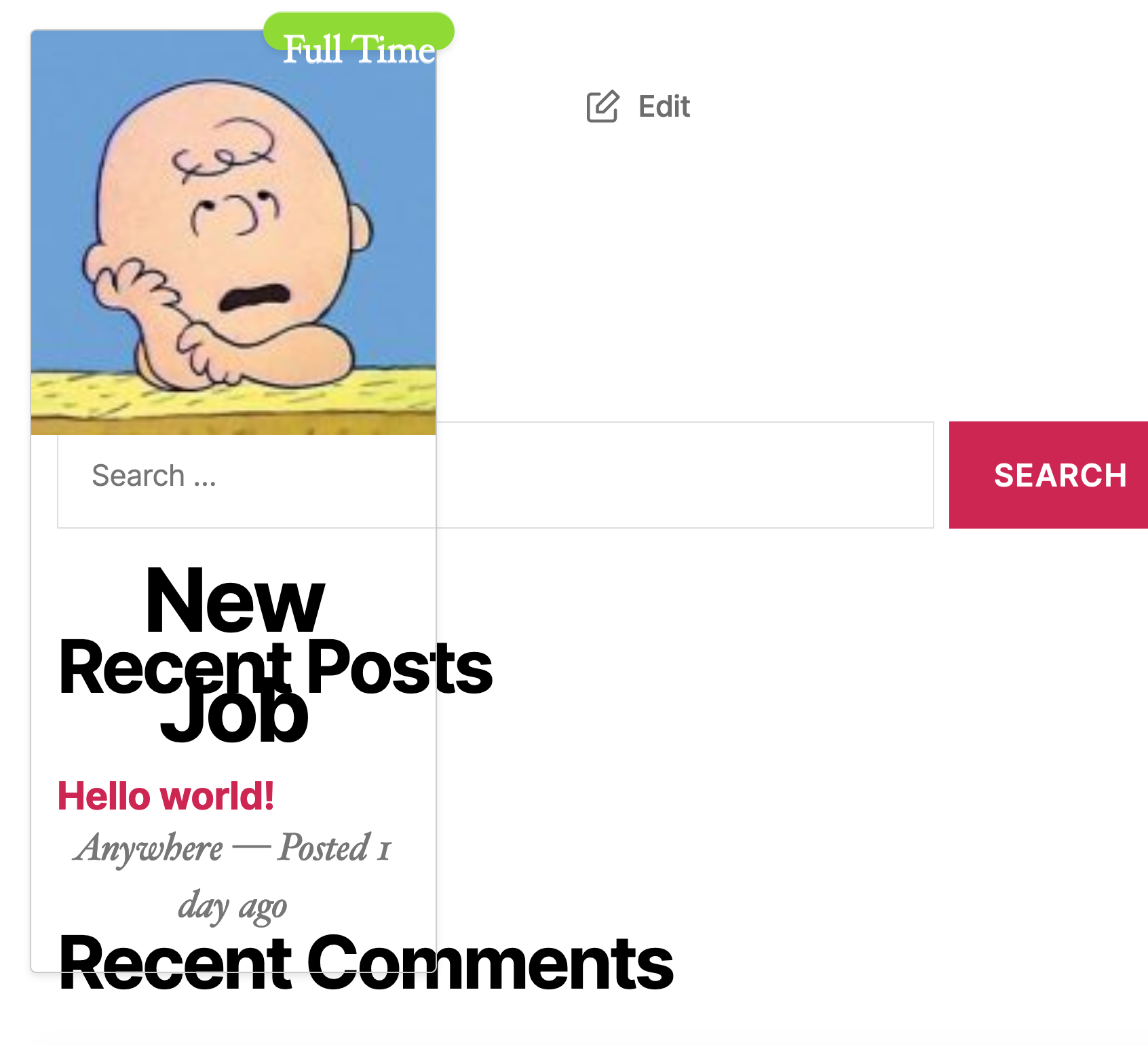
And a company logo with Storefront:

**Expected behavior**
The job summary would display correctly, as seen in https://wpjobmanager.com/document/shortcode-reference/ under "job_summary"
**Isolating the problem (mark completed items with an [x]):**
- [ x ] I have deactivated other plugins and confirmed this bug occurs when only WP Job Manager plugin is active.
- [ x ] This bug happens with a default WordPress theme active.
- [ x ] I can reproduce this bug consistently using the steps above.
**WordPress Environment**
- WordPress Version: 5.5.1
- WP Job Manager Version: 1.34.1
- PHP Version: 7.3.5
- Other important details: Local by Flywheel
Contributor guide
Research direction
Start by reproducing the [job_summary] shortcode on a page with the TwentyTwenty and Storefront themes, using the issue's screenshots and the linked shortcode reference as the comparison points. Trace the WordPress rendering path for the WP Job Manager shortcode, including output with and without a company logo. Done means the job summary matches the documented display in both themes.
Written by the indexing model from the issue text.
Assessment
- Tech stack
- php, wordpress
- Domain
- frontend, web-dev
- Issue type
- Bug
- Difficulty
- 3/5
- Estimated time
- 1-2 days
- Activity status
- Stale
- Clarity
- Mostly clear
- Newbie friendliness
- 35/100