Autodesk / Autodesk/arnold-usd
Photometric Lights don't seem to be applied in USDView
- Dominant language
- Python
- Stars
- 284
- Forks
- 68
- Avg merge
- 2d 19h
- Merged PRs (30d)
- 14
Description
**Describe the bug**
Simple scene with photometric light, and ground plane does not produce light.
**To Reproduce**
Steps to reproduce the behavior:
1. Create scene with photometric light and IES file. Raise intensity, set a shader on the plane
2. Arnold->Export to USD
3. USDView
**Expected behavior**
I'd expect the render to replicate what Maya's render view has.
**Screenshots**
If applicable, add screenshots to help explain your problem.
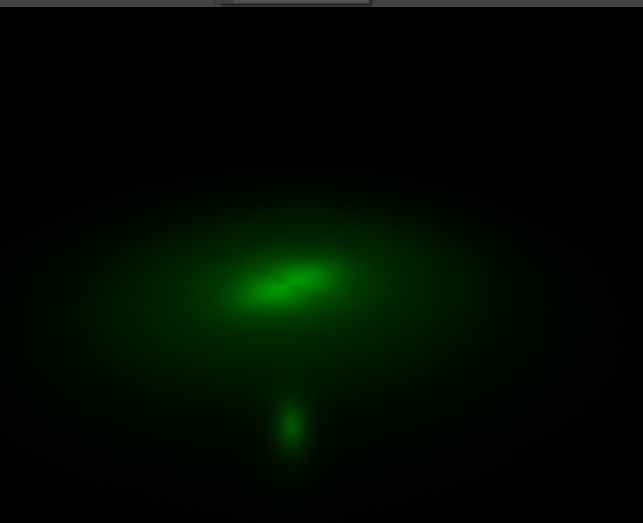
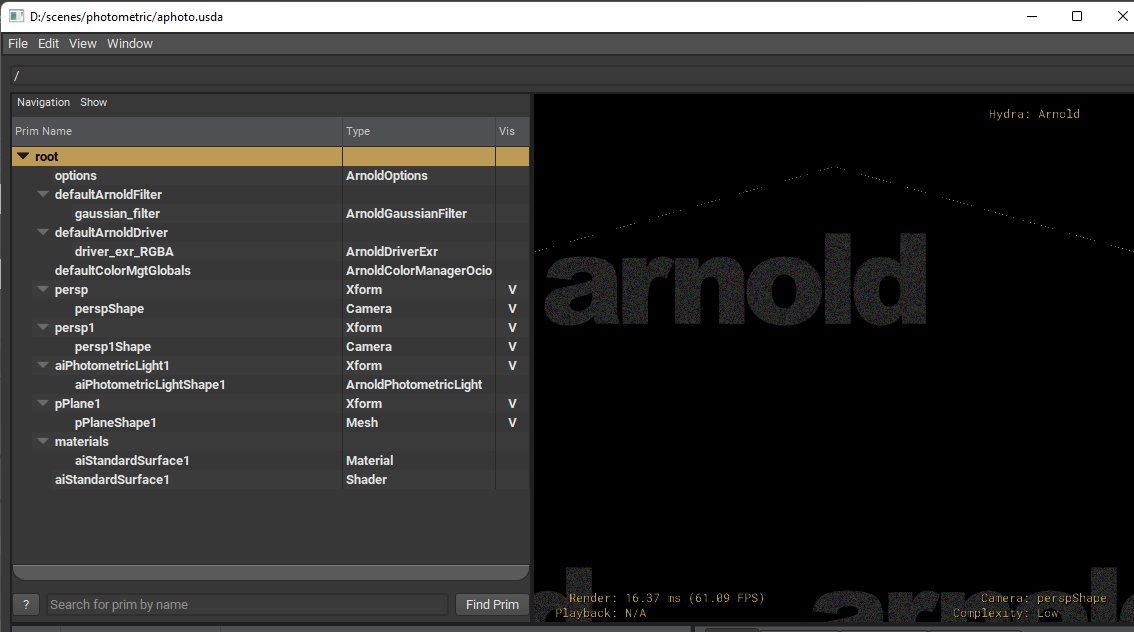
**Used Software Versions**
- Arnold: 6.2.1.1
- MtoA: 4.2.3
- USD: 21.08
- OS: Windows
**Additional context**
Add any other context about the problem here.
Contributor guide
Research direction
Reproduce the scene by creating a photometric light with an IES file, exporting it through Arnold to USD, and opening it in USDView. Compare the USDView result with Maya's render view using the reported Arnold 6.2.1.1, MtoA 4.2.3, and USD 21.08 versions; done means the photometric light illuminates the ground plane consistently.
Written by the indexing model from the issue text.
Assessment
- Tech stack
- python
- Domain
- computer-graphics
- Issue type
- Bug
- Difficulty
- 4/5
- Estimated time
- 3-5 days
- Activity status
- Stale
- Clarity
- Mostly clear
- Newbie friendliness
- 35/100