AntennaPod / AntennaPod/AntennaPod
Add option for hardware buttons to skip chapters
- Ngôn ngữ chính
- Java
- Star
- 8.1k
- Fork
- 1.8k
- Merge trung bình
- 1 ngày 20 giờ
- Pull request đã merge (30 ngày)
- 32
Mô tả
### Checklist
- [X] I have used the search function to see if someone else has already submitted the same feature request.
- [X] I will describe the problem with as much detail as possible.
- [X] This request contains only one single feature, **not** a list of multiple (related) features.
### App version
2.4.2
### Where did you get the app from
Google Play
### Problem you may be having, or feature you want
Oftentimes I want to skip to the next chapter when listening to an episode (not interested in that section, it's an ad, etc).
Currently these are the options for what the hardware buttons can be assigned to:
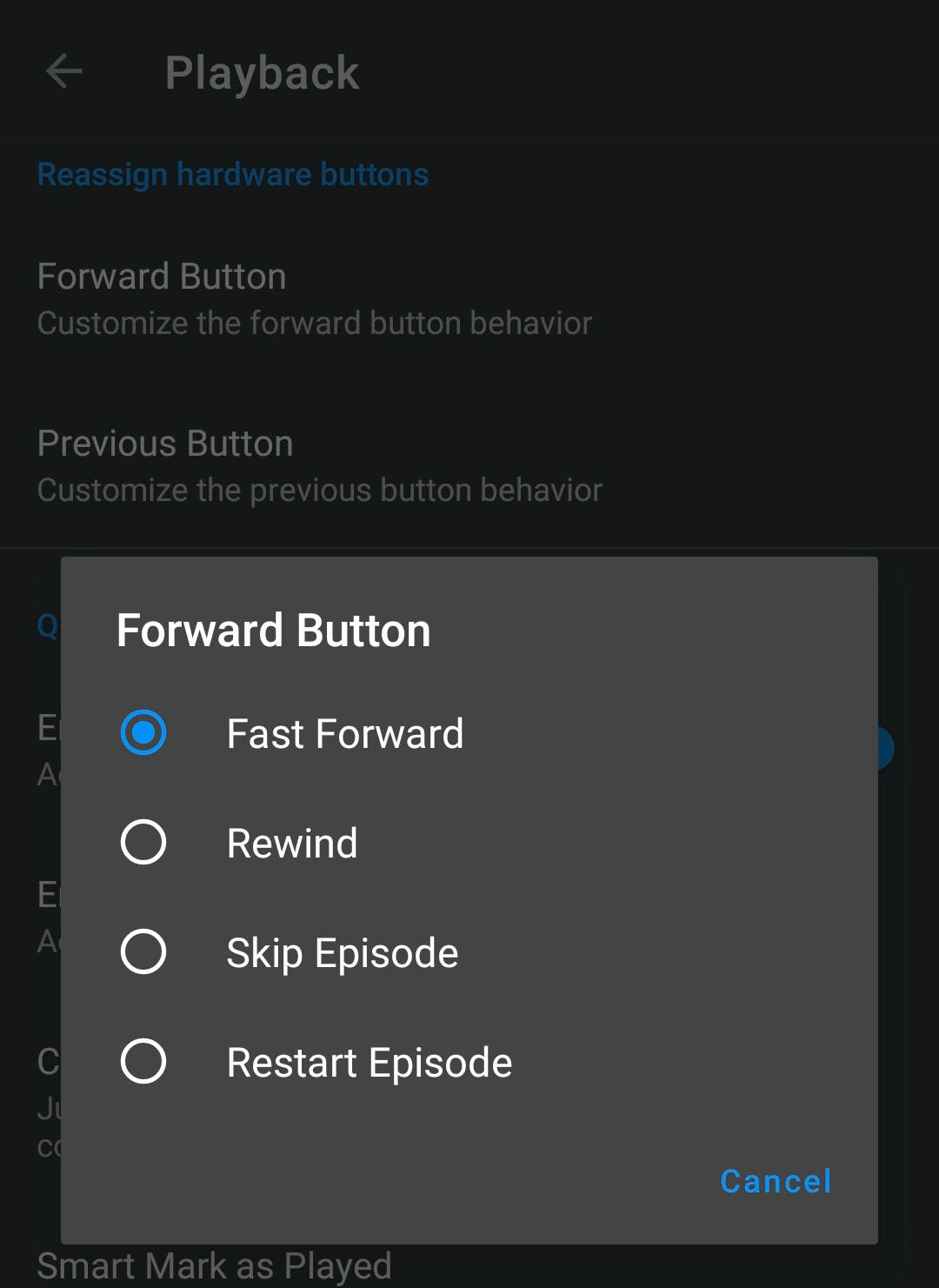
Fast forward and rewind are not as good as skipping chapters as they are non-specific. It will always result in having to skip forward/backward multiple times and having to listen to a portion of what you want to skip.
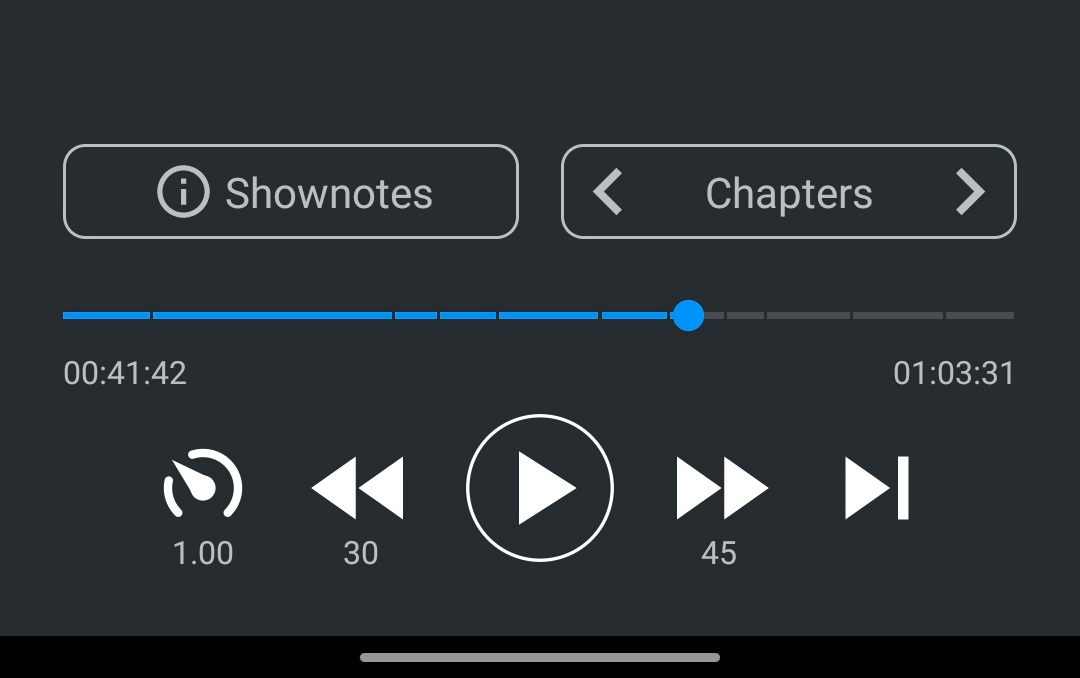
Right now if I want to skip chapters, instead of being able to use the hardware buttons, I have to take out my phone, unlock it, open the app, navigate to the now playing screen, and finally press the skip chapter button. It's not a convenient workflow.
### Suggested solution
For the podcasts that mark chapters in their episodes it would be a huge convenience improvement to be able to skip chapters using the hardware buttons.
### Screenshots / Drawings / Technical details
I think the following two options should be added for customizing the forward/previous button behavior:
- Skip Chapter Forward (Fallback to Fast Forward)
- Skip Chapter Back (Fallback to Rewind)
Not all podcasts mark chapters in their episodes so there needs to be a fallback to a different behavior if chapters don't exist. It makes sense to fallback to fast forward/rewind. The other two options (skip episode, restart episode) wouldn't makes sense as fallbacks.
In practice I think what would make sense is having the Forward Button be configured to "Skip Chapter Forward (Fallback to Fast Forward)" and the Previous Button configured to "Rewind." That way you can skip sections that you don't want to listen to but rewind a few seconds if you want to re-hear something you didn't quite get. But in any case this can be left to the user to customize to their preference. The important thing is having the options available.
Hướng dẫn đóng góp
Đánh giá
Issue này chưa được đánh giá.