AirtestProject / AirtestProject/Poco
airtest里调用poco = iosPoco()报错,命令行终端启动8100报recv failed: Resource temporarily unavailable
- 主要语言
- Python
- 星标
- 2k
- 派生
- 341
- PR 合并指标
- 30 天内没有已合并 PR
描述
**描述问题bug**
(简洁清晰得概括一下遇到的问题是什么。或者是报错的traceback信息。)
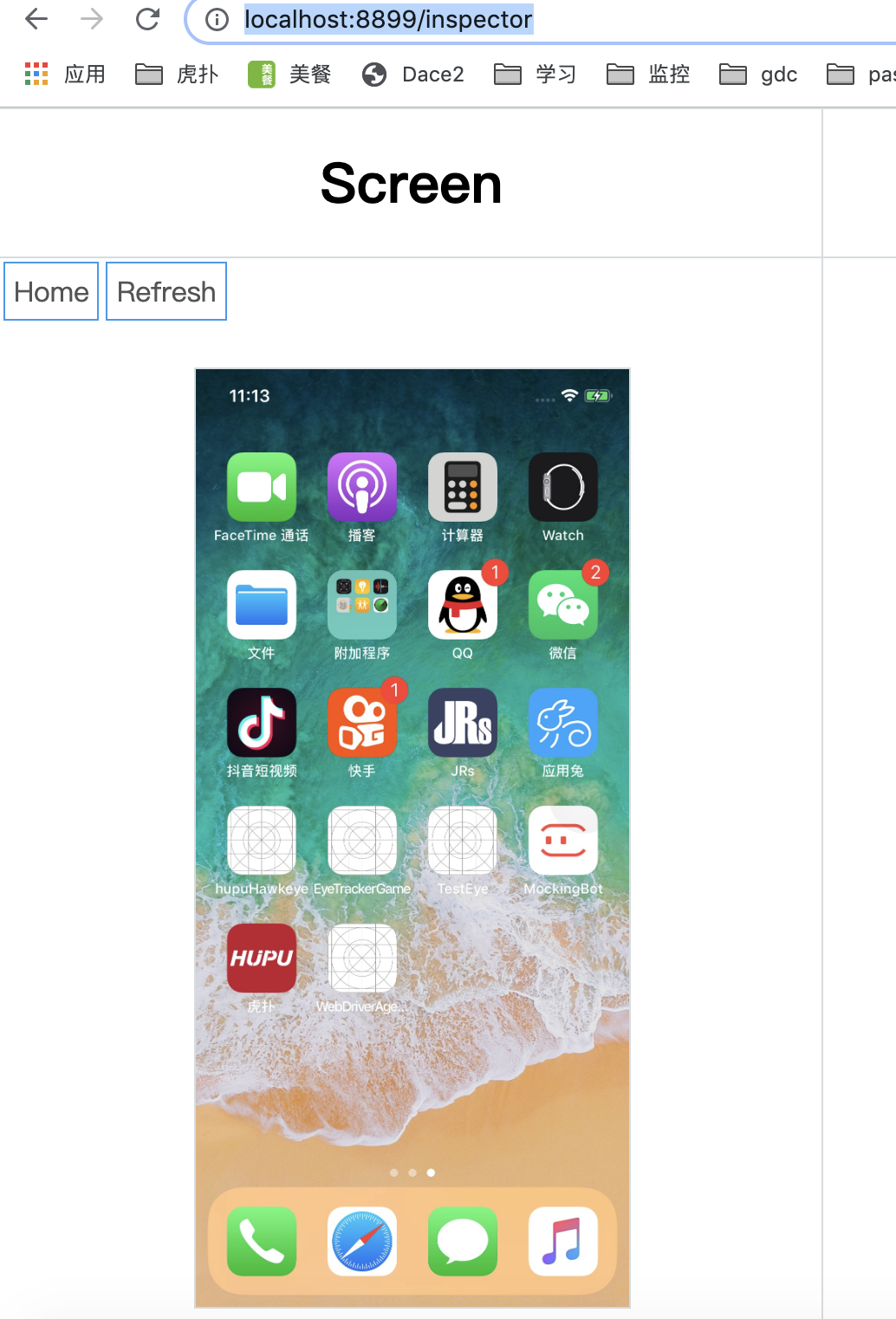
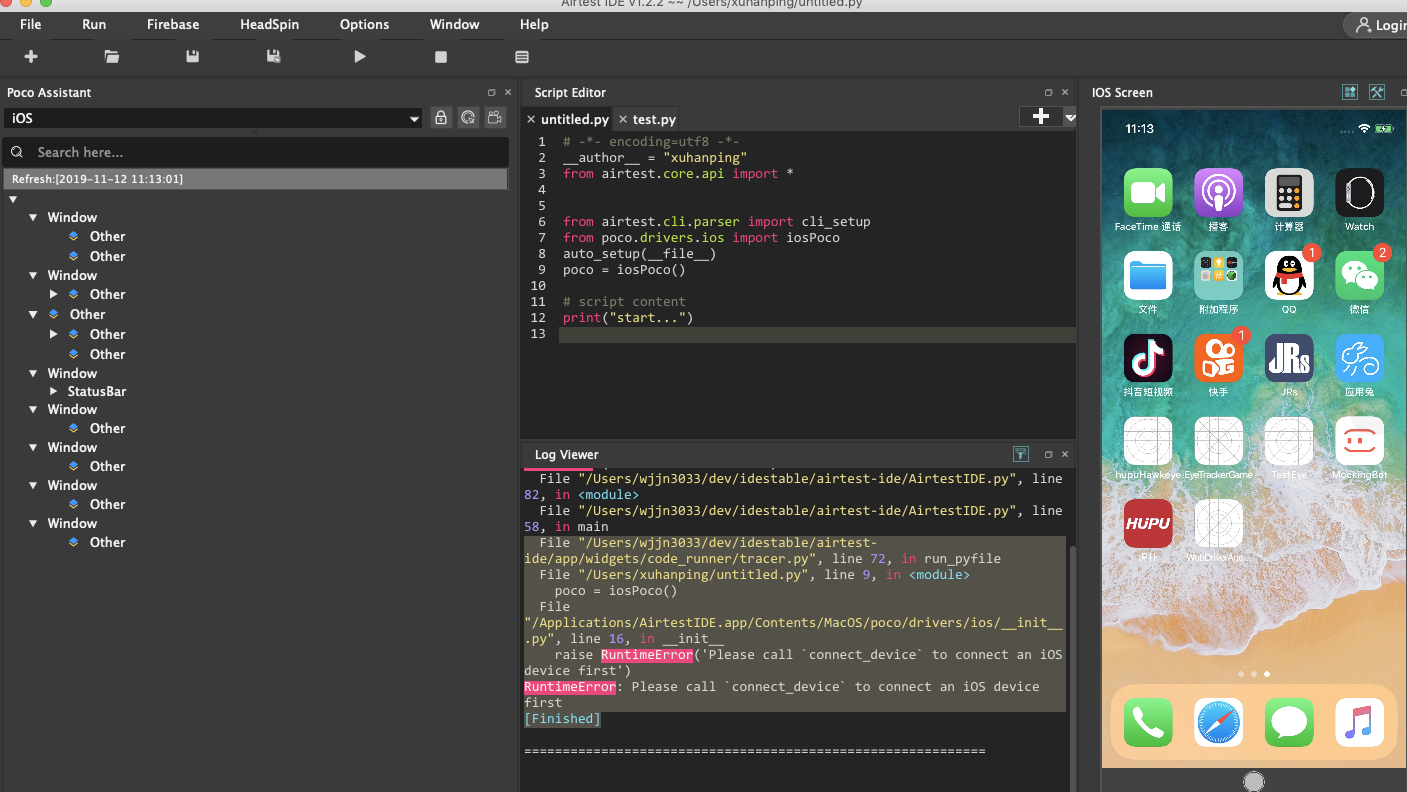
Xcode里运行iOS-tangent成功,然后启动iproxy 8100 8100,浏览器里访问http://localhost:8899/status 和http://localhost:8899/inspector都成功,airtest里connectiOS设备,也能连接上,可以显示出真机的界面,但是一运行脚本就报错 ,说我没有连接设备
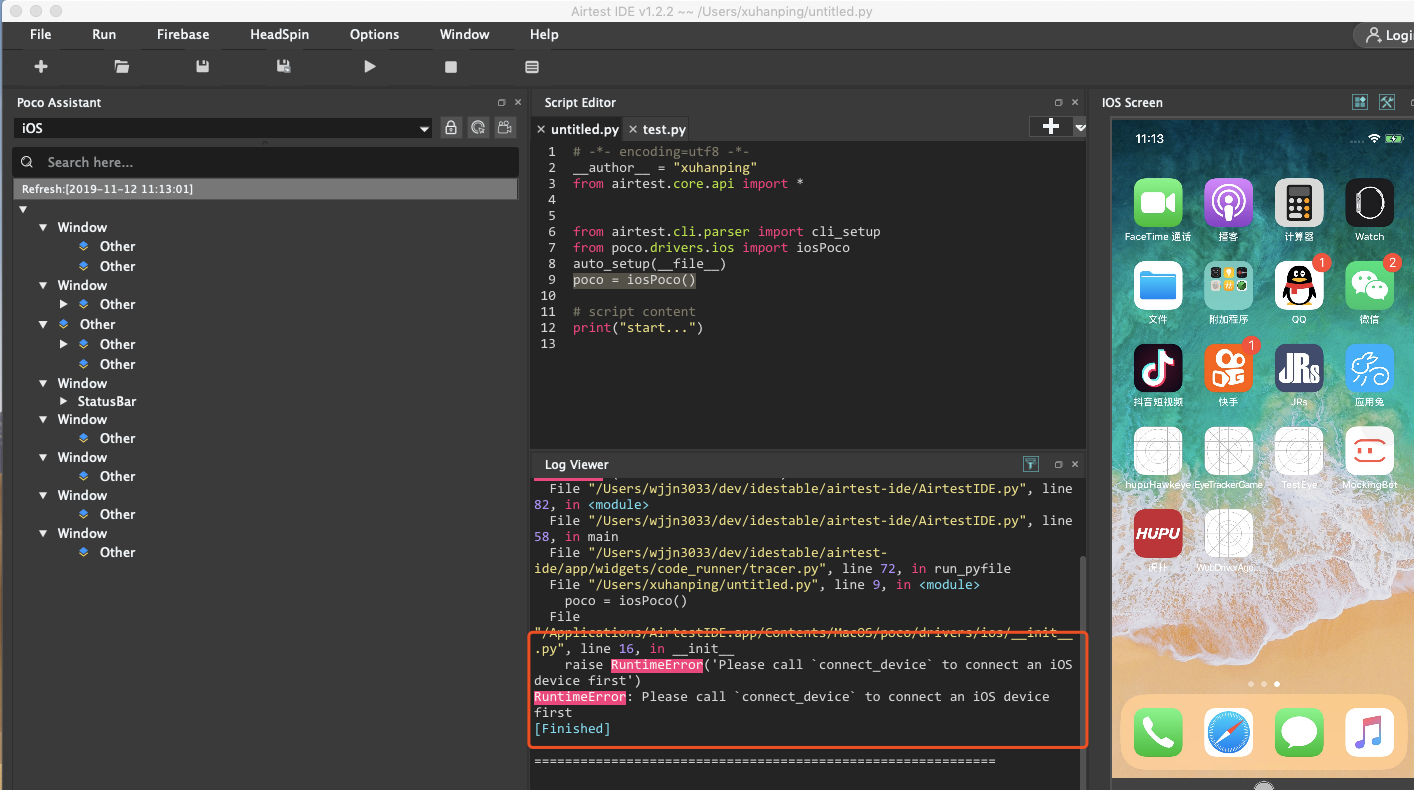
(在这里粘贴traceback或其他报错信息)
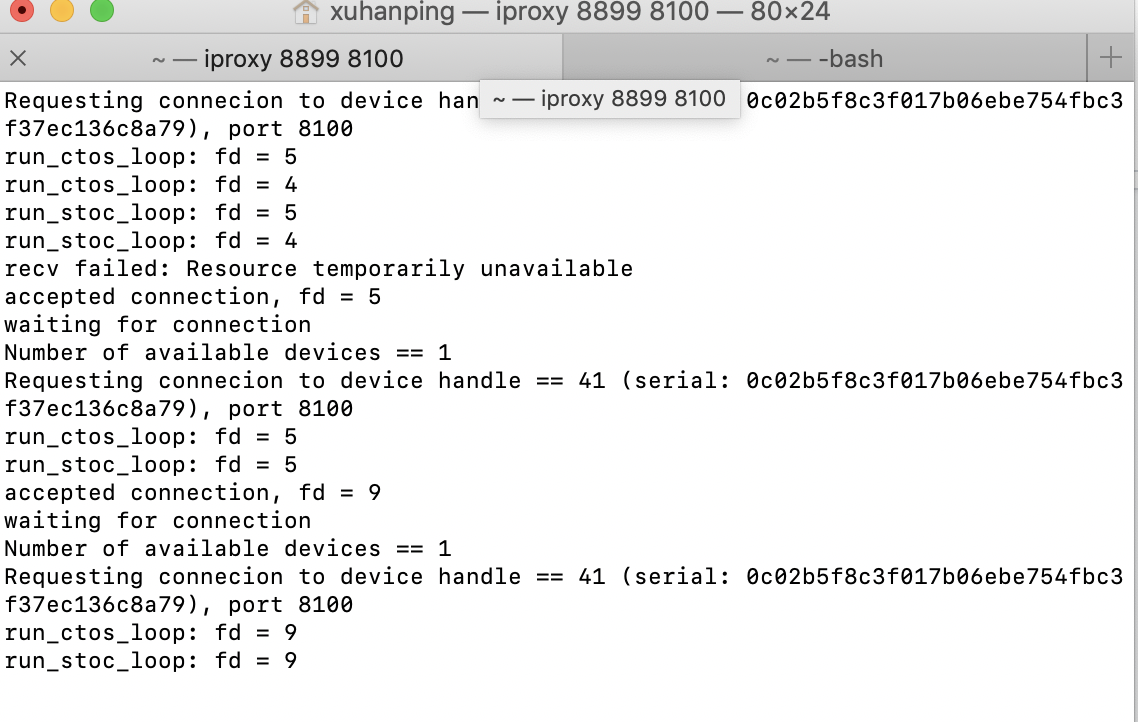
这个是终端里打印的信息
Requesting connecion to device handle == 41 (serial: 0c02b5f8c3f017b06ebe754fbc3f37ec136c8a79), port 8100
run_ctos_loop: fd = 5
run_stoc_loop: fd = 5
accepted connection, fd = 9
waiting for connection
Number of available devices == 1
Requesting connecion to device handle == 41 (serial: 0c02b5f8c3f017b06ebe754fbc3f37ec136c8a79), port 8100
run_ctos_loop: fd = 9
run_stoc_loop: fd = 9
**复现步骤**
1. xcode里运行iOS-tangent,启动端口8100,airtest连接iOS设备
2. 然后在airtest里运行
# -*- encoding=utf8 -*-
__author__ = "xuhanping"
from airtest.core.api import *
from airtest.cli.parser import cli_setup
from poco.drivers.ios import iosPoco
auto_setup(__file__)
poco = iosPoco()
# script content
print("start...")
运行就报错
3.
4. airtest里的报错信息:
File "/Users/wjjn3033/dev/idestable/airtest-ide/app/widgets/code_runner/tracer.py", line 72, in run_pyfile
File "/Users/xuhanping/untitled.py", line 9, in
poco = iosPoco()
File "/Applications/AirtestIDE.app/Contents/MacOS/poco/drivers/ios/__init__.py", line 16, in __init__
raise RuntimeError('Please call `connect_device` to connect an iOS device first')
RuntimeError: Please call `connect_device` to connect an iOS device first
[Finished]
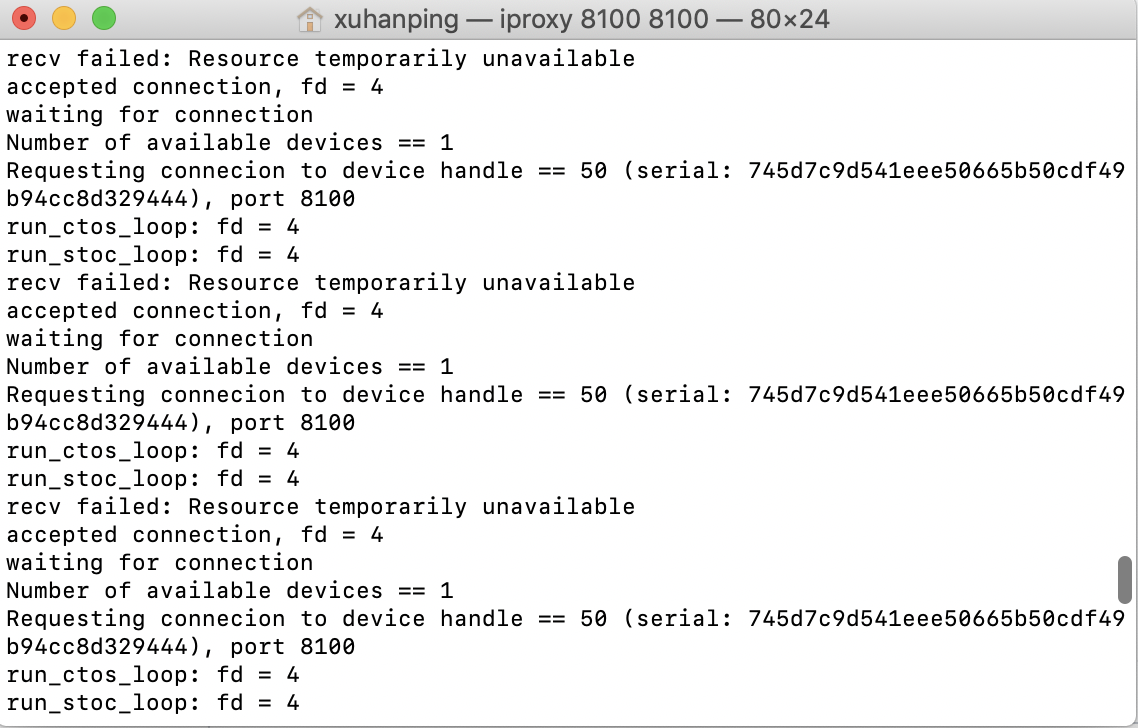
5.启动的端口里报的错:
recv failed: Resource temporarily unavailable
accepted connection, fd = 4
waiting for connection
Number of available devices == 1
Requesting connecion to device handle == 50 (serial: 745d7c9d541eee50665b50cdf49b94cc8d329444), port 8100
run_ctos_loop: fd = 4
run_stoc_loop: fd = 4
recv failed: Resource temporarily unavailable
accepted connection, fd = 4
waiting for connection
Number of available devices == 1
Requesting connecion to device handle == 50 (serial: 745d7c9d541eee50665b50cdf49b94cc8d329444), port 8100
run_ctos_loop: fd = 4
**预期效果**
想要能连接iOS设备,正常运行脚本
**相关截图**
**python 版本:** `python3.7`
**poco 版本:** `0.96.8`
> poco版本通过`pip freeze`可以命令可以查到
**设备:**
- 型号: [iPhone8]
- 系统: [iOS12.3]
- Xcode版本:10.2.1
airtest版本:1.2.2
**其他相关环境信息**
(其他运行环境,例如在linux ubuntu16.04上运行异常,在windows上正常。)
贡献指南
这个仓库没有索引到贡献指南
评估
这个 Issue 还没有评估数据。