AcademySoftwareFoundation / AcademySoftwareFoundation/MaterialX
cameraZoom affect Subsurface scattering in MaterialXView
- Dominant language
- C++
- Stars
- 2.3k
- Forks
- 451
- Avg merge
- 5d 18h
- Merged PRs (30d)
- 6
Description
cameraZoom is used to [scale the mesh](https://github.com/AcademySoftwareFoundation/MaterialX/blob/b0b42ec81e01e182e370ada6d1911c0101201cd1/source/MaterialXView/Viewer.cpp#L2287).
If cameraZoom is changed, fwidth(P) in [mx_subsurface_scattering_approx](https://github.com/AcademySoftwareFoundation/MaterialX/blob/b0b42ec81e01e182e370ada6d1911c0101201cd1/libraries/pbrlib/genglsl/lib/mx_microfacet_diffuse.glsl#L81) is also changed.
Was this done intentionally?
Both screen shots are
-Indirect Lighting OFF
-Subsurface 1
-Subsurface Scale 0
MaterialXView.exe --cameraZoom 0.1 --cameraPosition 5,0,0
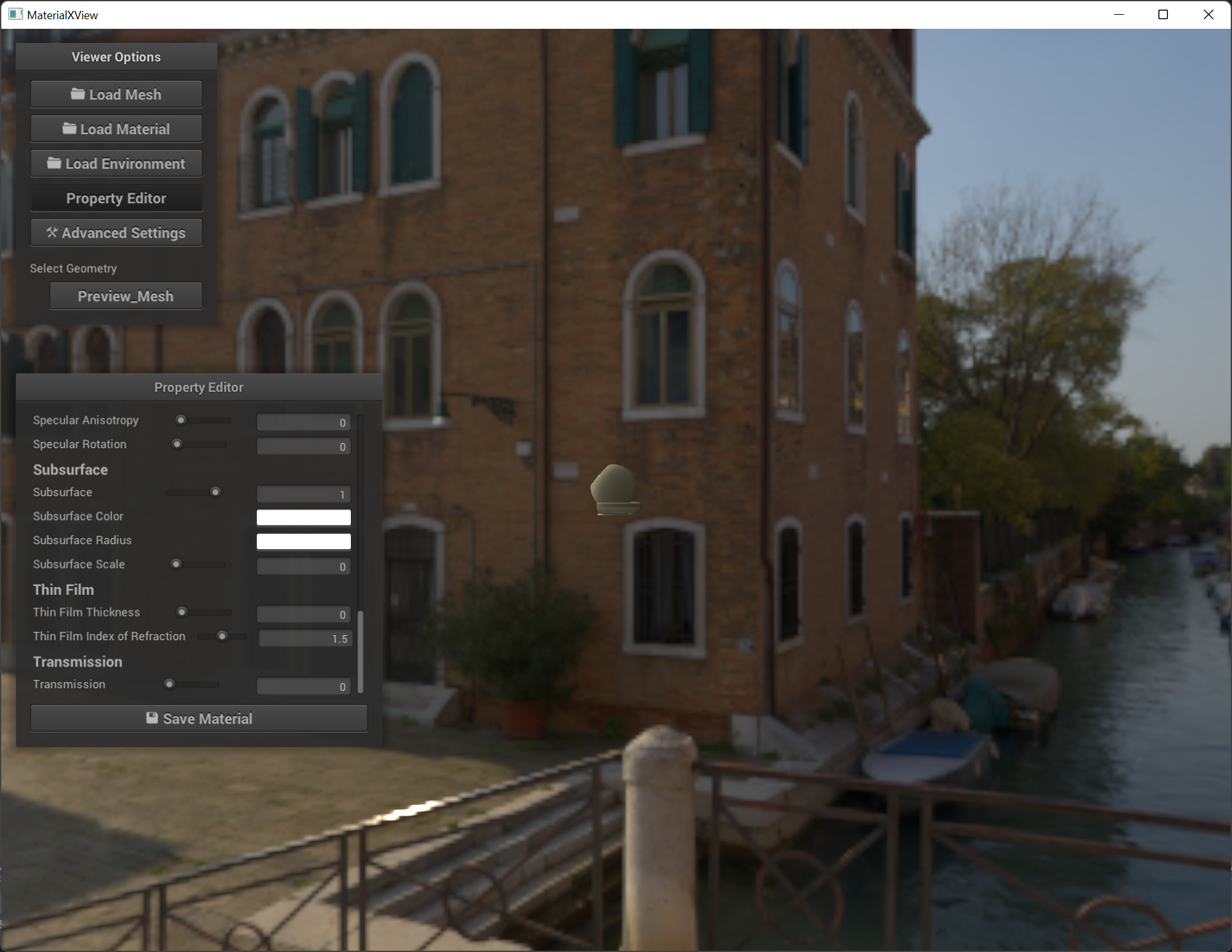
MaterialXView.exe --cameraPosition 50,0,0
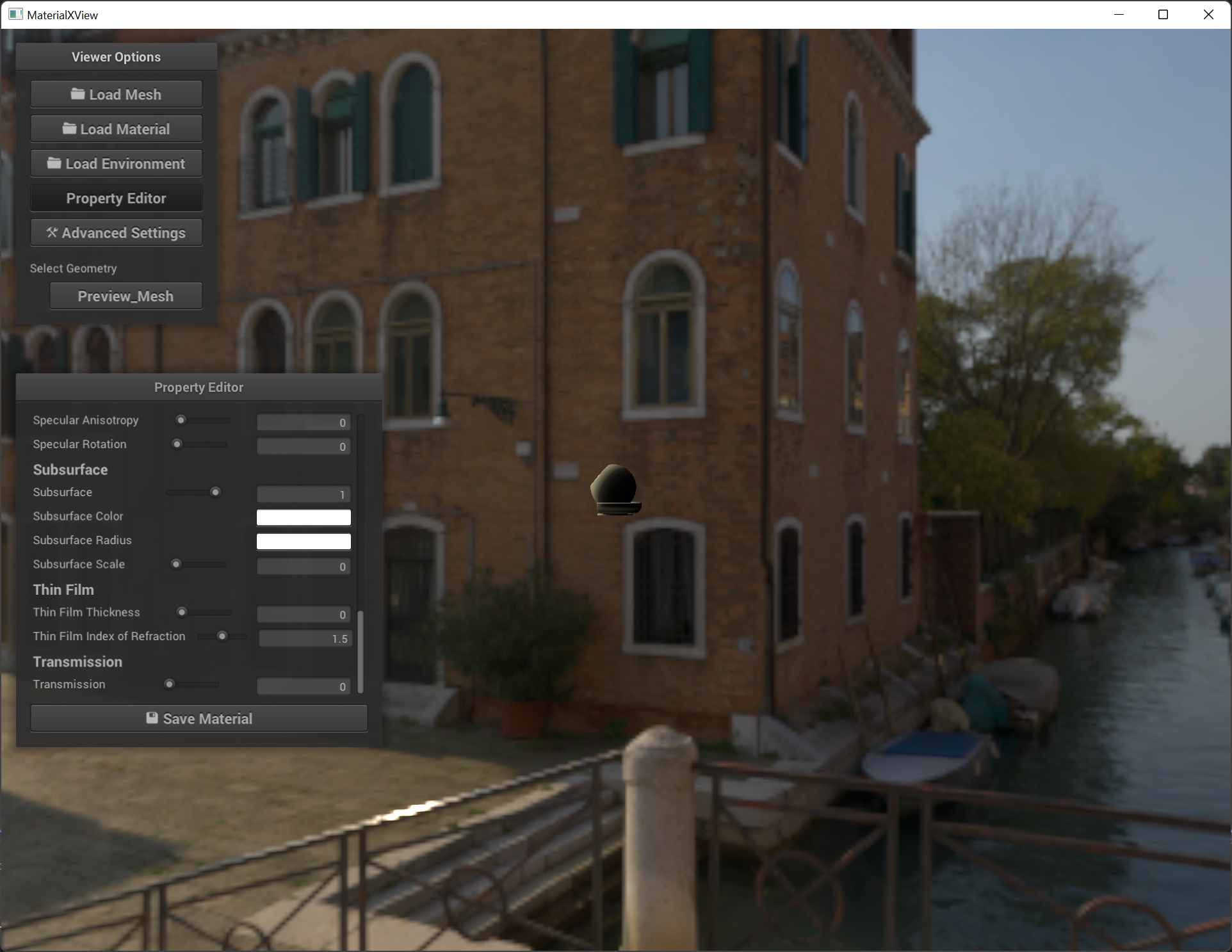
Contributor guide
Research direction
Reproduce the difference with the two MaterialXView command lines in the issue, then read the cameraZoom mesh-scaling code in source/MaterialXView/Viewer.cpp and the fwidth(P) use in libraries/pbrlib/genglsl/lib/mx_microfacet_diffuse.glsl. Determine whether the camera zoom effect on subsurface scattering is intended; done means the behavior is clarified and any agreed correction is implemented.
Written by the indexing model from the issue text.
Assessment
- Tech stack
- cpp
- Domain
- computer-graphics
- Issue type
- Bug
- Difficulty
- 4/5
- Estimated time
- 3-5 days
- Activity status
- Stale
- Clarity
- Needs clarification
- Newbie friendliness
- 30/100